Dressmaker lace not counting? Check fabric versus trim
If the lace requirement does not move, pause before adding more. First check whether the brief asks for a fabric or a trim accessory. Similar appearance does not.
Lace not counting? check fabric versus trim
If the lace requirement does not move, pause before adding more. First check whether the brief asks for a fabric or a trim accessory. Similar appearance does not establish the category the game counts.
Read the object and the unit
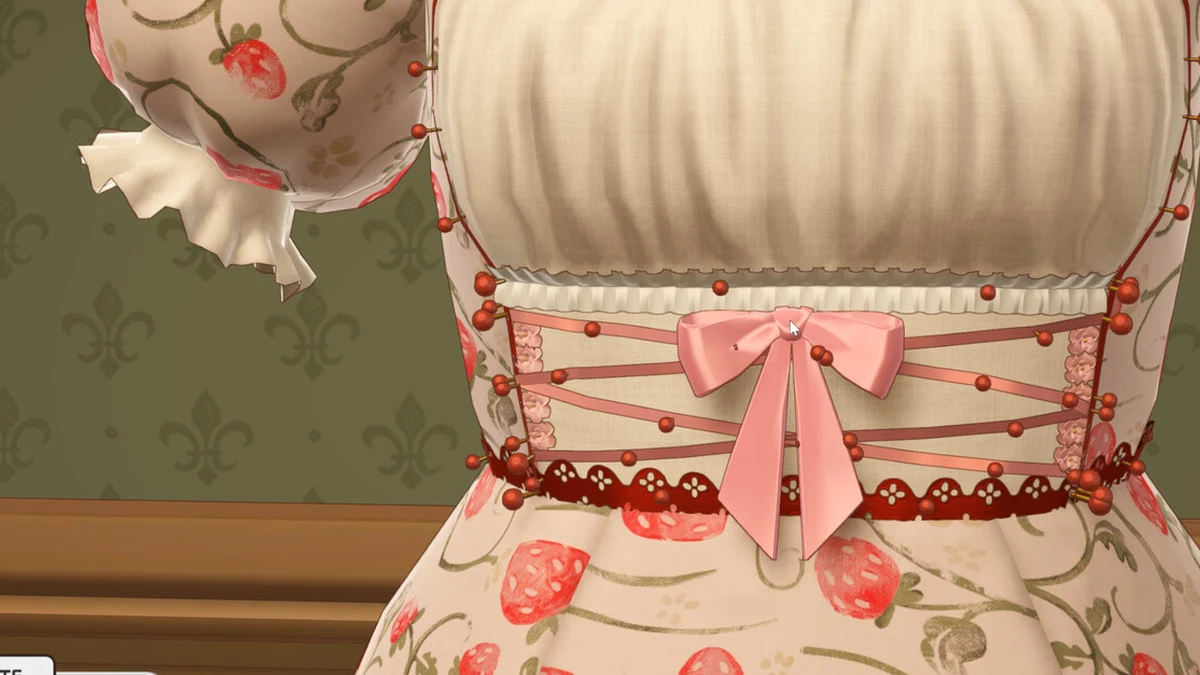
Image: official Cozy Lives / Free Lives media.
Write down whether the condition refers to material, accessory category, item count or trim length. Compare that with the selected item’s label. The image shows decoration, but appearance alone cannot establish its requirement category.
Make a small check before spending more
Add a small amount and observe the relevant requirement display. If it does not change, keep an image of the item label and brief, then investigate classification before increasing the quantity.
Why early reports mention a tagging problem
Build 403 officially corrected some lace-trim classifications. A launch-period complaint may describe the earlier behaviour. That does not mean every later lace problem is resolved; include the build and selected item when reporting a mismatch.
Where to go next
- Dressmaker commission rejected? Check targets and limits
- Dressmaker decorations: give the dress one focal point
- Dressmaker Build 403: customer, lace and payment fixes
Sources and version
Reviewed on 9 October 2026. Player observations are identified in the guide; check controls against your installed version.
Related Articles
achievements
Dressmaker achievements: all 32 names and visible conditions
A few missing achievements do not necessarily point to one missing task. Customer chains, pigeon commissions, perfect quality and costly creations have different.
achievements
Dressmaker completion plan: projects, budget and dialogue spoilers
For full completion, begin with the goals rather than the most expensive fabric. Some need a special garment, some follow character progress, and some involve.
characters
Dressmaker customers: preferences, measurements and briefs
Remembering a customer's tastes can make a creation feel more personal. Still read each new brief: liking blue does not mean every blue dress meets the next.
Was this helpful?
Thanks for the feedback!